
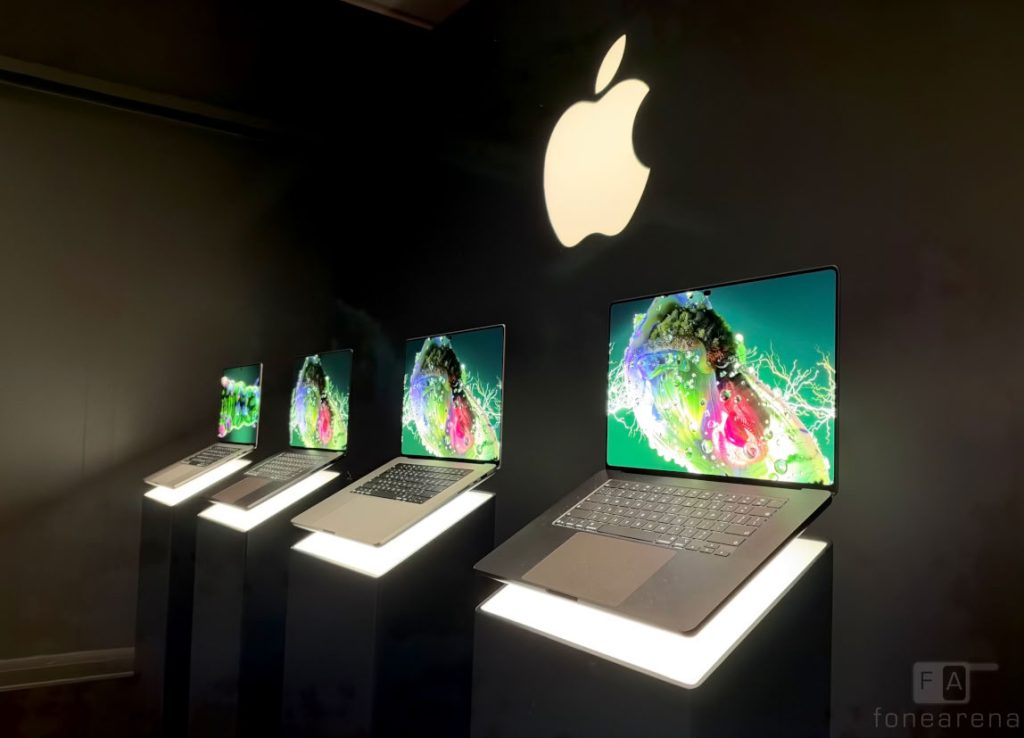
For years, Apple has been perfectly happy to tell us that the Mac is a Mac and the iPad is an iPad, and never the twain shall meet. Want a touchscreen? That’s what your iPhone and iPad are for. The Mac, meanwhile, is a keyboard-and-trackpad kind of machine, thank you very much. For far too long, Apple resisted the inevitable.
The new MacBook Pro with touch is here, and beyond the considerable name – MacBook Pro With PROLED XDR Display – it’s a considerably bigger deal than just being able to poke at your screen instead of reaching for the trackpad. With a slimmer, lighter design, an OLED touchscreen and a rethink of how you interact with macOS, this feels like Apple finally reconsidering what a laptop should look and feel like. Having spent some time with it, I wanted to find out – beyond the novelty of finally being able to poke at a Mac screen – whether touch genuinely changes the Mac experience.
Touch, but make it Mac
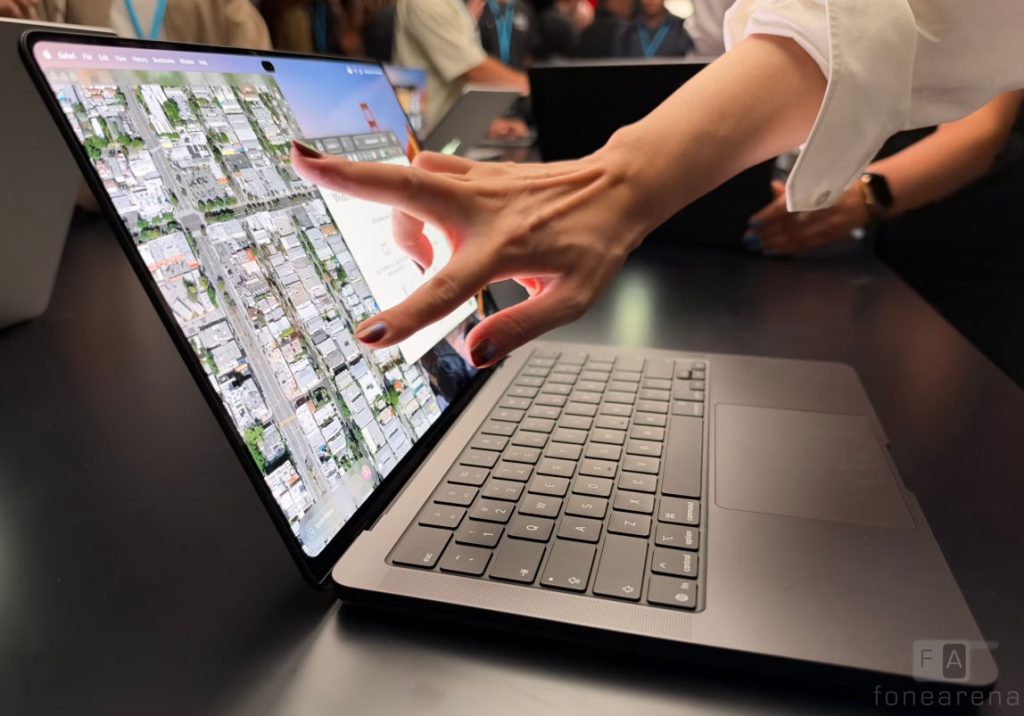
The funny thing is that touching a MacBook screen feels entirely natural. Spend a few minutes swiping through photographs, pinching to zoom into a map or dragging a window across the desktop, and you’ll wonder why it took Apple this long. It’s muscle memory, really. We’ve been doing this on phones and tablets for years, and the instinct to reach out and interact directly with what’s on screen is hard to shake. The question is whether that instinct translates into something genuinely useful on a laptop.
Make no mistake though: Apple hasn’t turned the MacBook Pro into an oversized iPad. The familiar keyboard and generously sized trackpad remain very much part of the experience, and the macOS interface hasn’t been given a dramatic makeover. Instead, Apple has added touch as another way to get things done, rather than insisting you abandon the way you’ve always used your Mac.
The basics work just as you’d expect. You can scroll through pages, swipe between desktop spaces, pinch and zoom into images, drag files between apps and move windows around with your fingers. Some interface elements, including the familiar red, yellow and green (traffic light) window controls, expand when you touch them, making these fiddly little targets easier to hit. There are also gestures for arranging windows, borrowed from the sort of interactions iPad users will recognise immediately.
It’s a sensible approach, although not everything is quite as polished as you might hope. macOS remains fundamentally designed around a pointer, and some menus and controls can still feel a little too small for comfortable finger input. Crucially, the redesigned hinge intended to minimize screen wobble does just that, but the harder jabs still managed to cause a bit of wobble. Third-party apps will need to make the most of the new capabilities, too, before touch feels consistently intuitive across the board.
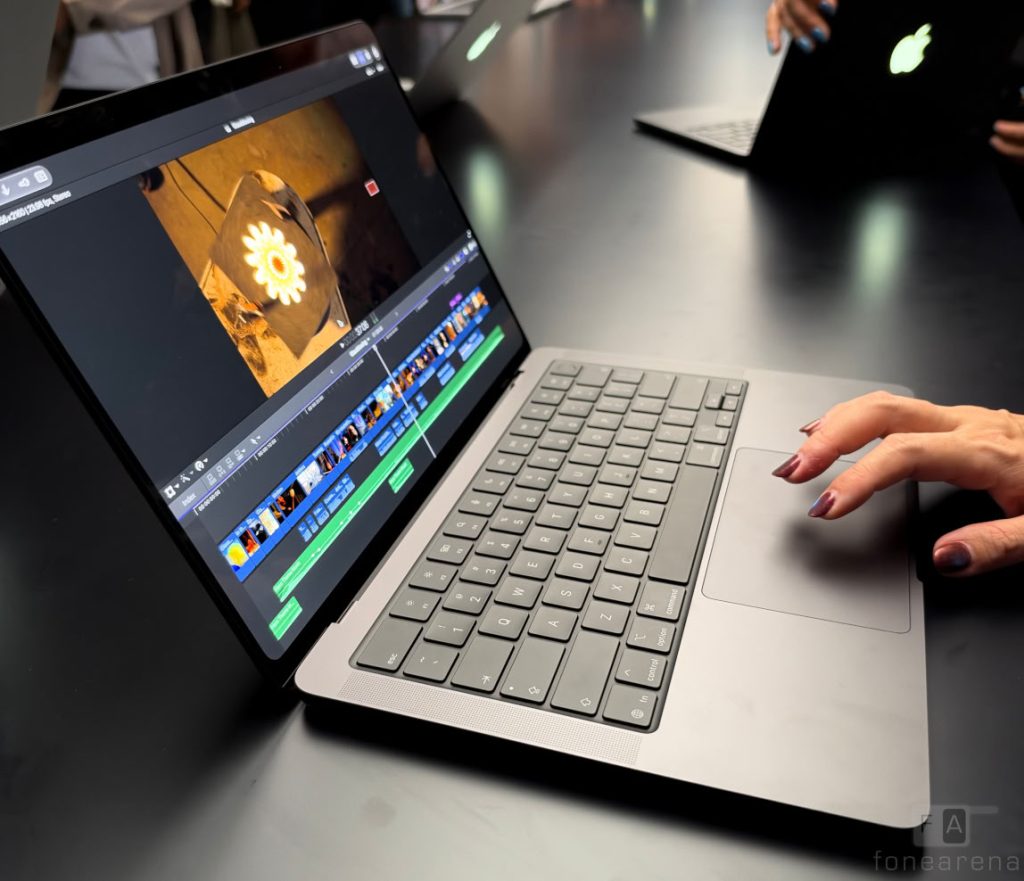
The more interesting applications are in creative work. Touching a timeline in a video editor, adjusting a slider in a photo-editing app or manipulating a 3D model feels more direct than navigating everything through a trackpad. Demonstrations of apps such as DaVinci Resolve and Logic Pro suggest that Apple sees touch as a useful extra for professionals, rather than simply a convenience for scrolling through websites. Whether it becomes an indispensable part of those workflows will take longer to establish.
And no, there’s no Apple Pencil support, which feels like a missed opportunity for anyone who fancies sketching or annotating directly on that beautiful display. The screen doesn’t fold all the way back, either, so this isn’t a laptop pretending to be a convertible tablet. Perhaps that’s the point: Apple wants touch to complement the Mac, not turn it into something else.
A screen worth reaching for
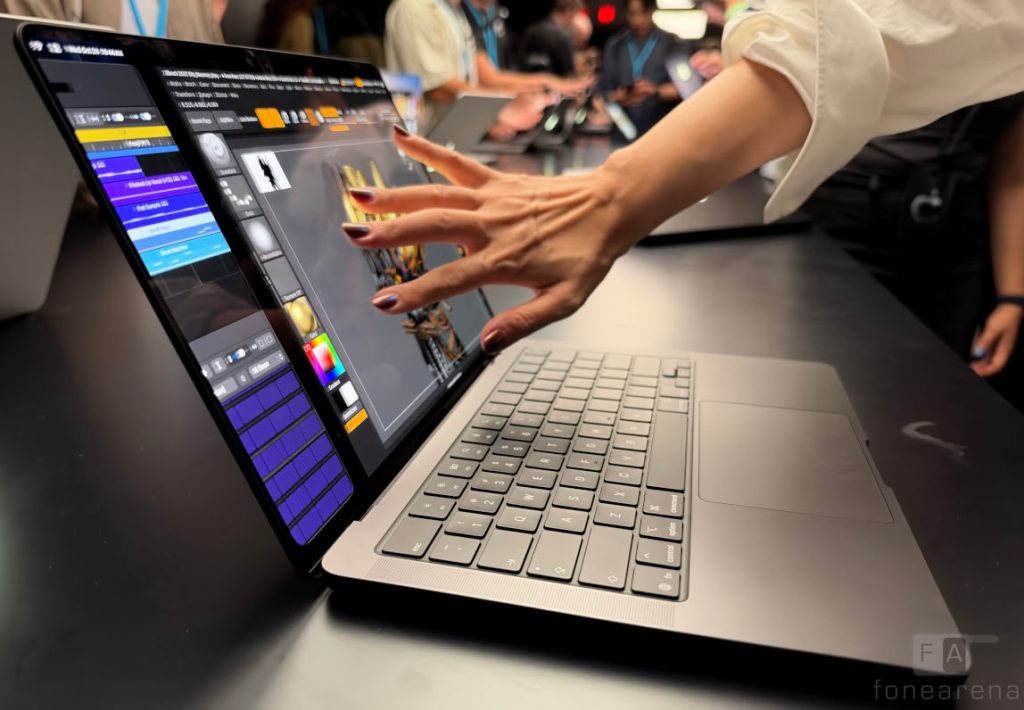
If touch is the headline act, the display is arguably the bigger everyday upgrade. Apple has moved to a tandem OLED panel, branded PROLED XDR, and the difference is immediately apparent. OLED’s ability to switch individual pixels off delivers genuinely deep blacks, while bright highlights and rich colours give photographs and video a remarkable sense of depth. It’s the sort of display that makes you want to pull up a few favourite photographs just to see how good they look.
The panel also tackles one of OLED’s traditional compromises: brightness. Apple claims a peak brightness of 2,000 nits, with the tandem design helping deliver that punch without sacrificing contrast. There’s a 120 Hz refresh rate for smoother scrolling and motion, while the anti-reflective coating should help keep reflections in check. For photographers, video editors and anyone who spends their day staring at a screen, this could be reason enough to consider the new machine, even if touch doesn’t particularly excite you.
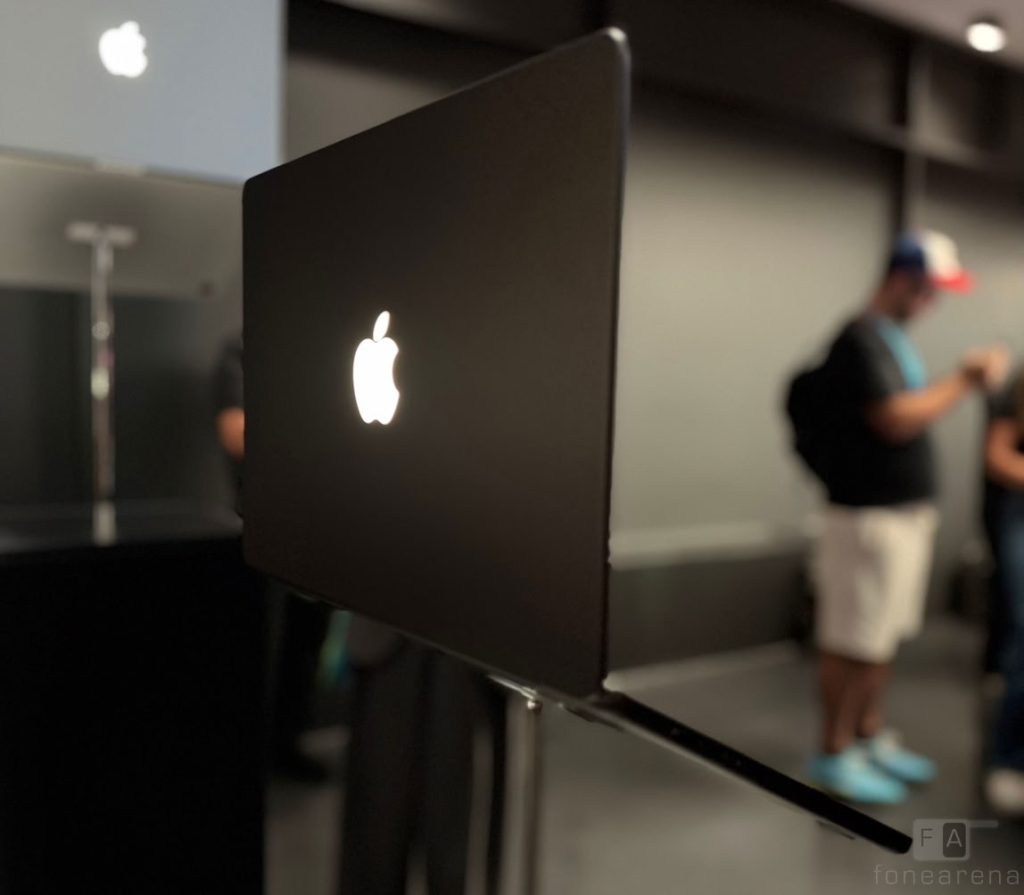
The new display also does away with the familiar notch, replacing it with a Dynamic Island-style cutout. Like its iPhone counterpart, it can expand to surface information and controls, including media playback and ongoing activities. It’s a neat use of space, although its usefulness will depend on how well it integrates into everyday Mac workflows. The return of the glowing Apple logo on the lid, meanwhile, is pure nostalgia — and, judging by the reaction at the launch, a rather welcome bit of it.
Lighter on its feet
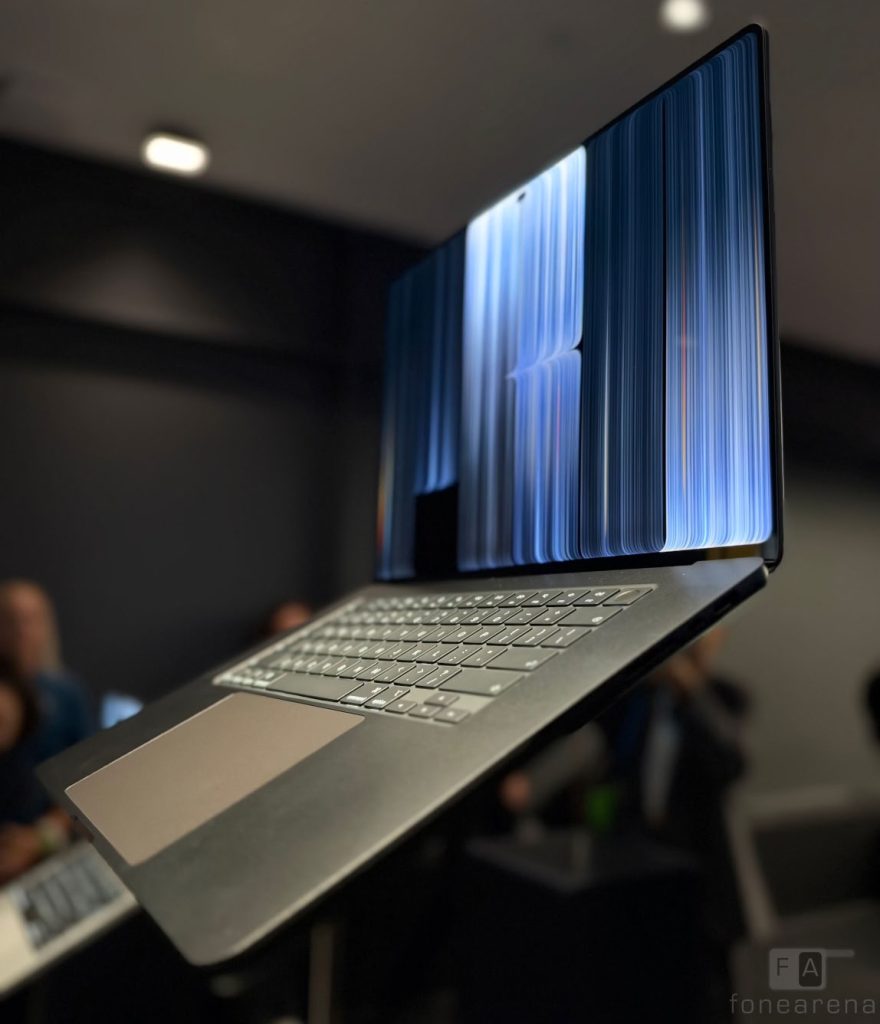
There’s another welcome change: the MacBook Pro is slimmer and lighter. The 14-inch model weighs around 1.38kg, while the 16-inch version comes in at roughly 1.82 kg. That might not sound like a dramatic difference on paper, but shaving weight off a laptop you carry between home, office and meetings makes a difference over time. The familiar keyboard, trackpad and generous selection of ports remain, so this isn’t a redesign that sacrifices useful features in the pursuit of a thinner profile.
Under the hood, the touchscreen models use Apple’s M5 Pro and M5 Max chips rather than the newer M6 silicon found in the separately announced MacBook Pro models. That’s an important distinction for anyone shopping the range. The Pro and Max chips are aimed at demanding professional workloads, and the new machines can be configured with substantial amounts of unified memory and storage, starting at 24GB and 1TB and all the way up to 128GB/16TB. Of course, we’ll need proper performance and battery tests before drawing conclusions about how they compare under sustained workloads, particularly given the additional demands of that display.
The price of progress
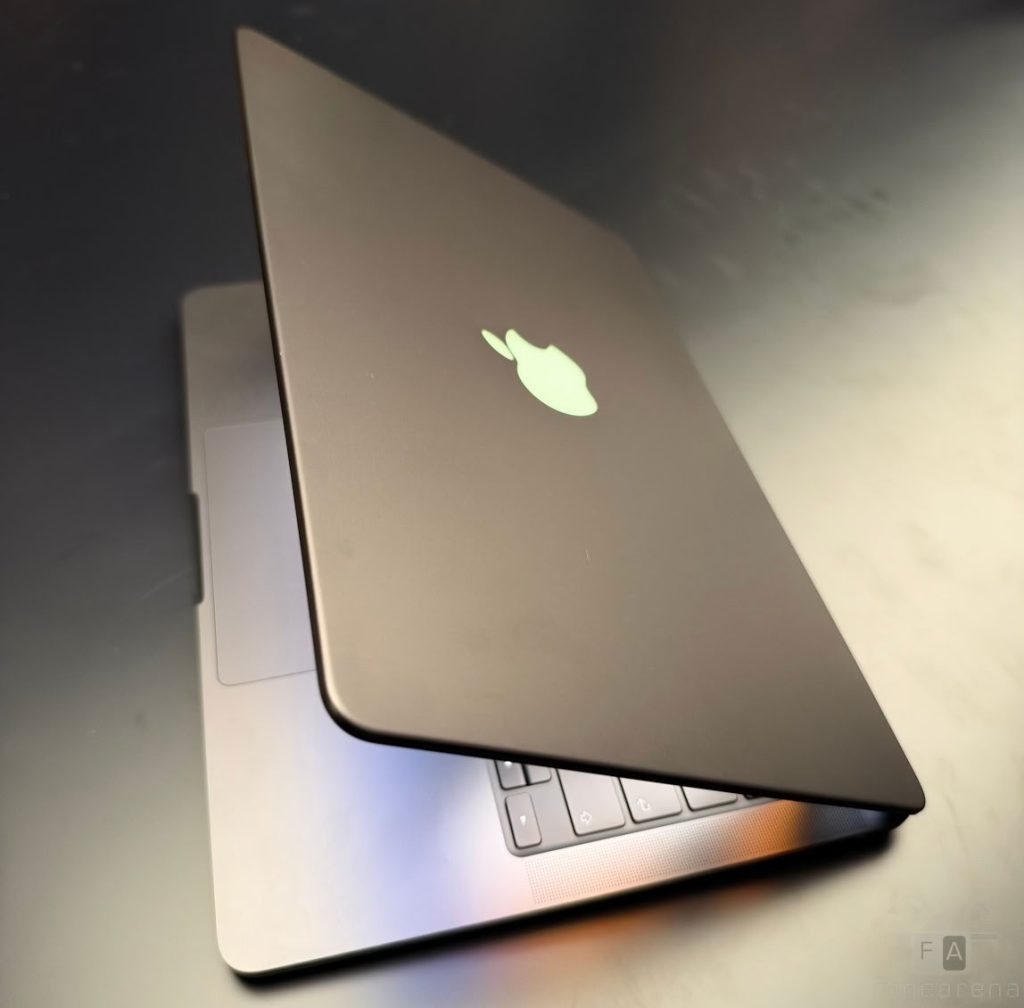
And then there’s the catch. The 14-inch touchscreen MacBook Pro starts at ₹3,49,900, rising to ₹4,09,900 for the 16-inch model. That’s a considerable premium for a laptop, even by Apple’s standards, and puts it firmly in professional-workstation territory. You’re paying for more than touch, of course: the OLED panel, lighter construction and high-end processing hardware are all part of the proposition.
After years of insisting that touch didn’t belong on a Mac, Apple has finally found a way to introduce it without compromising the familiar laptop experience. That’s an achievement, even if the result feels more evolutionary than revolutionary once the initial novelty wears off.
My early takeaway is that the touchscreen isn’t necessarily the reason to buy this MacBook Pro. The display might be, especially if your work involves photographs, video or other visually demanding tasks. Touch is the bonus that makes certain interactions feel more immediate and natural, even if the trackpad remains the better tool for much of a typical workday.
The real test will come after the novelty fades and developers begin adapting their apps. For now, though, Apple has made a convincing case that a touchscreen Mac doesn’t have to be an iPad in disguise. It just has to be a better MacBook Pro.